
Tattoo-style phone wallpapers: sizes, setup and how to pick one
Bold linework and flat colour, the look of tattoo flash, make great phone wallpapers. They stay readable behind icons and the clock. Here's how to choose one and set it up so it isn't cropped badly.
What makes it look good on a phone
- High contrast lines. Thick black outlines read well at a glance and under widgets.
- A limited palette. Three to five colours keeps icons visible.
- Space at the top. The lock-screen clock sits in the top third, so pick art with a quieter area there.
- Centre-weighted subject. Different phones crop the sides differently.
Which size do you need?
1080×1920 (9:16) is the common baseline and looks sharp on most phones. Newer phones are taller (about 9:19.5, for example 1170×2532). On those, a 9:16 image is scaled up slightly and the sides are trimmed. Centred art handles that fine.
Set it on iPhone
- Save the PNG to Photos.
- Settings → Wallpaper → Add New Wallpaper → Photos.
- Pinch to position, then tap Add. Choose whether to use it on the Home Screen too.
Set it on Android
- Save the image to your gallery.
- Long-press the home screen → Wallpaper & style (wording varies by brand).
- Pick the image and choose Home, Lock, or both.
Make your own
Draw with a ballpoint or marker, scan or photograph in daylight, boost contrast, and crop to 1080×1920. Free tools like GIMP or Photopea handle levels and cropping.
Or grab a ready-made pack
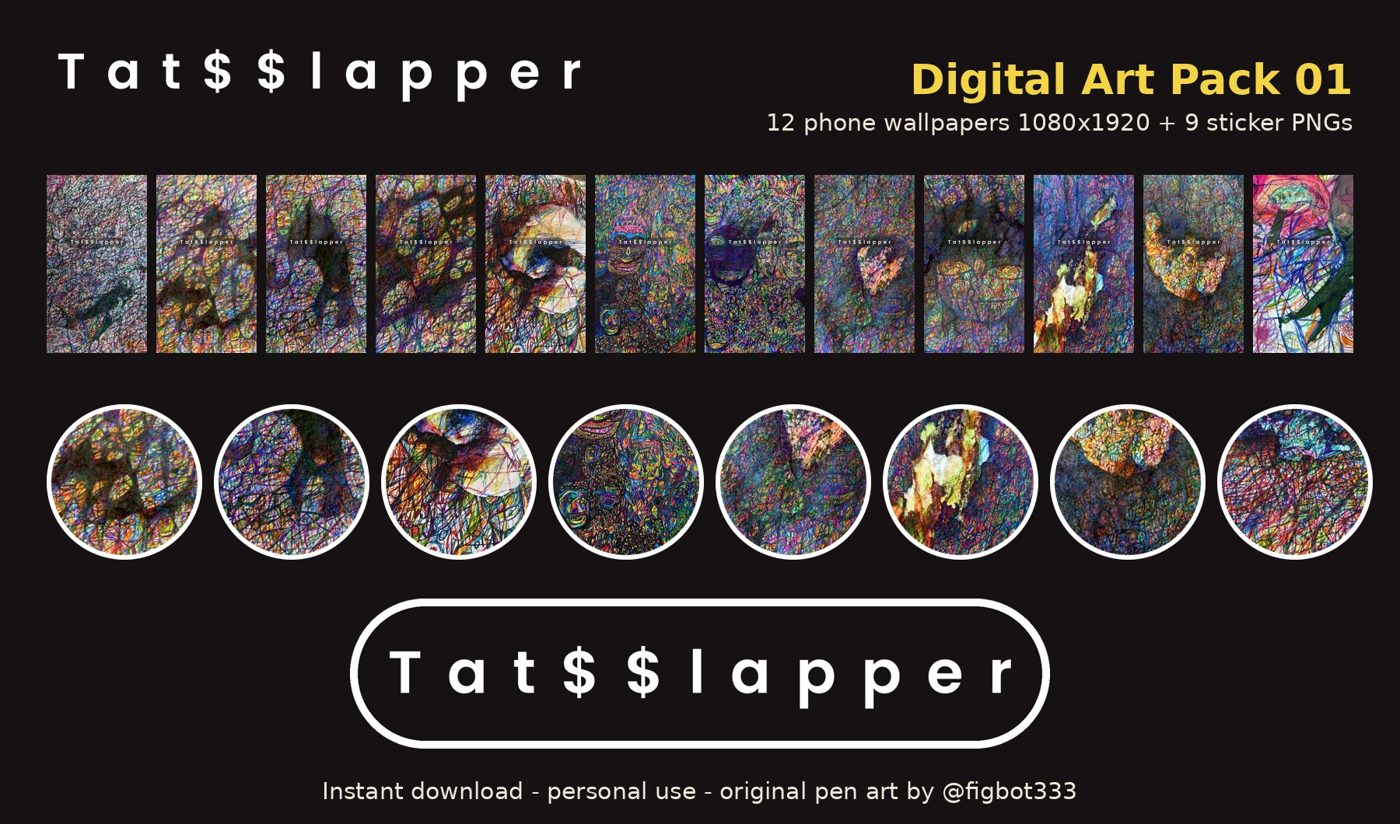
tat$$lapper Digital Art Pack 01 ($7): 12 phone wallpapers at 1080×1920 PNG plus 9 transparent sticker PNGs. All are original ballpoint, gel-pen and marker drawings. Personal-use licence.